Understand Pairwise cart-page and cart-drawer placements separately, including the tested Horizon version and limits on broader theme claims.
Cart page
One cart-page Add added the accessory; a page reload verified it and removal restored the earlier cart baseline.
Cart page
Benchmark Trail Bottle 42$30.00
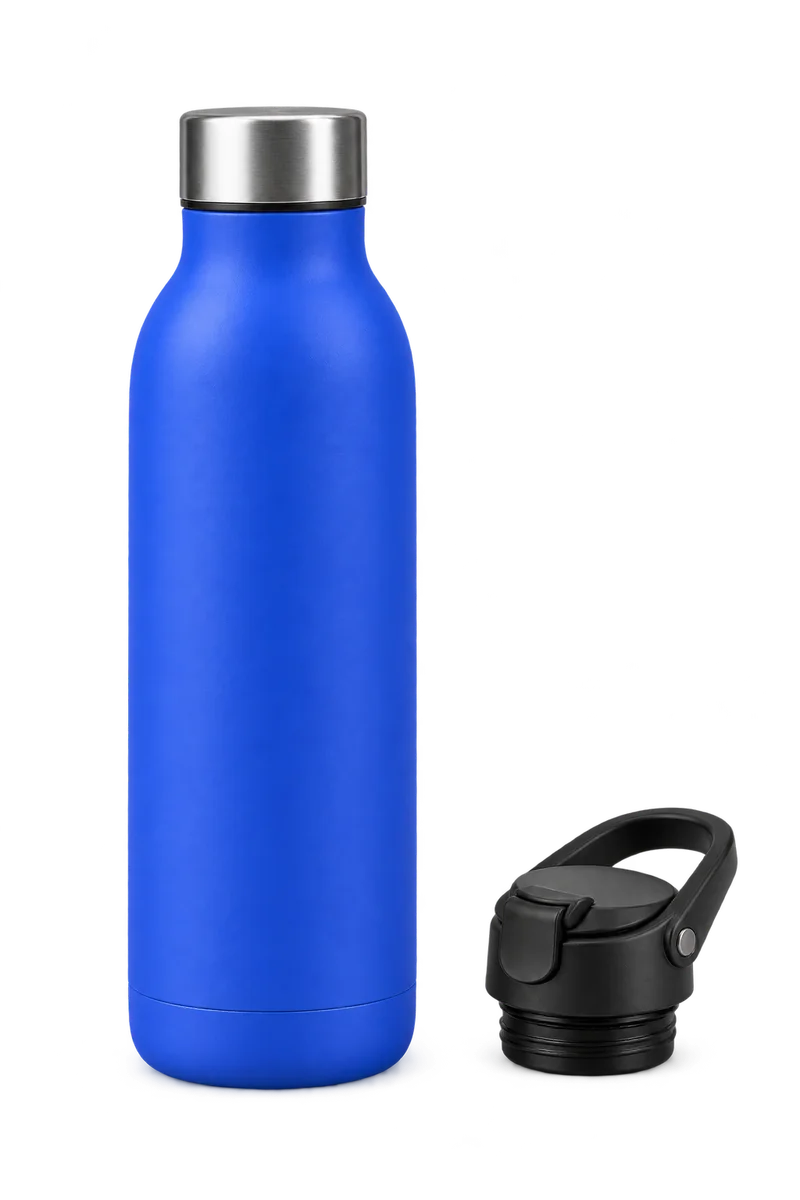
Fits Benchmark Trail Bottle 42 Benchmark Flip Cap 42$8.00
Optional add-on · full price
◇ Synthetic example · no real cart or order is changed
Cart drawer
The drawer displayed Add and No thanks; one Add added the accessory, and quantity controls and removal were checked.
Cart drawer
Benchmark Trail Bottle 42$30.00
Fits Benchmark Trail Bottle 42 Benchmark Flip Cap 42$8.00
Optional add-on · full price
◇ Synthetic example · no real cart or order is changed
Both shopper views are local synthetic illustrations. They do not change a real cart or order.
“Cart add-on” can refer to more than one place. A cart page and a cart drawer are different theme surfaces; evidence for one should not be used as proof for the other.
Cart drawer
The Horizon 4.2.0 cart-drawer check is separate from the cart-page check. The shopper choices shown in the drawer were Add and No thanks. This is a check for that tested surface and state, not for every theme version or every theme drawer.
The shopper panel on this page is an illustrative local example. “Add” and “No thanks” change only the explanatory text in this page. They do not call Shopify, create a cart line, or proceed to checkout.
Cart page
The separate Horizon 4.2.0 cart-page check records one successful Add, a reload that verified the accessory, and removal that restored the earlier cart baseline. It does not establish behavior on every theme version or cart implementation.