
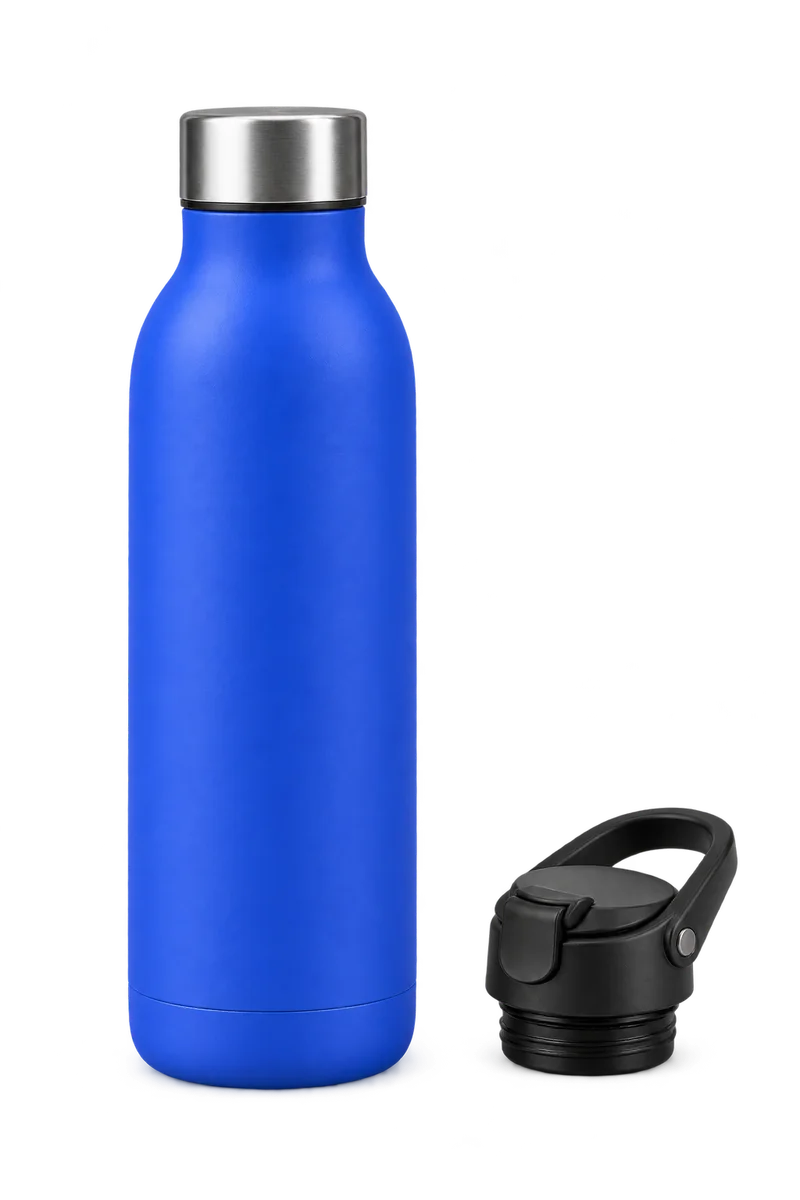
A product-page add-on is an optional accessory offered alongside a main product. The separately shown Horizon product-page check is placement-specific; the shopper panel on this page is a local synthetic example and does not change a real cart.
What the shopper sees
The shopper sees the accessory identity, a “Fits” relationship, and its price. The optional control starts unchecked. Choosing the checkbox and continuing uses the product page’s normal add-to-cart action.
The Horizon 4.2.0 product-page check covers only the specific behavior described above. It does not establish identical markup, timing, or behavior on every Shopify theme.
What the merchant reviews
Before an offer is published, the merchant reviews the main product, accessory, and source details. Pairwise follows eligible links in selected product descriptions. If the available evidence does not establish a compatible relationship, the pairing is held. Review does not convert missing information into a confirmed fit.
Placement and publication
Product-page placement is one part of the workflow. The Pairwise theme embed must be saved in Shopify’s theme editor, and reviewed offers must be explicitly published in Pairwise. See the go-live steps and theme support details.
The complete synthetic accessory example shows the matching source passages and full-price shopper choice. It is not a customer product or live model-quality result.