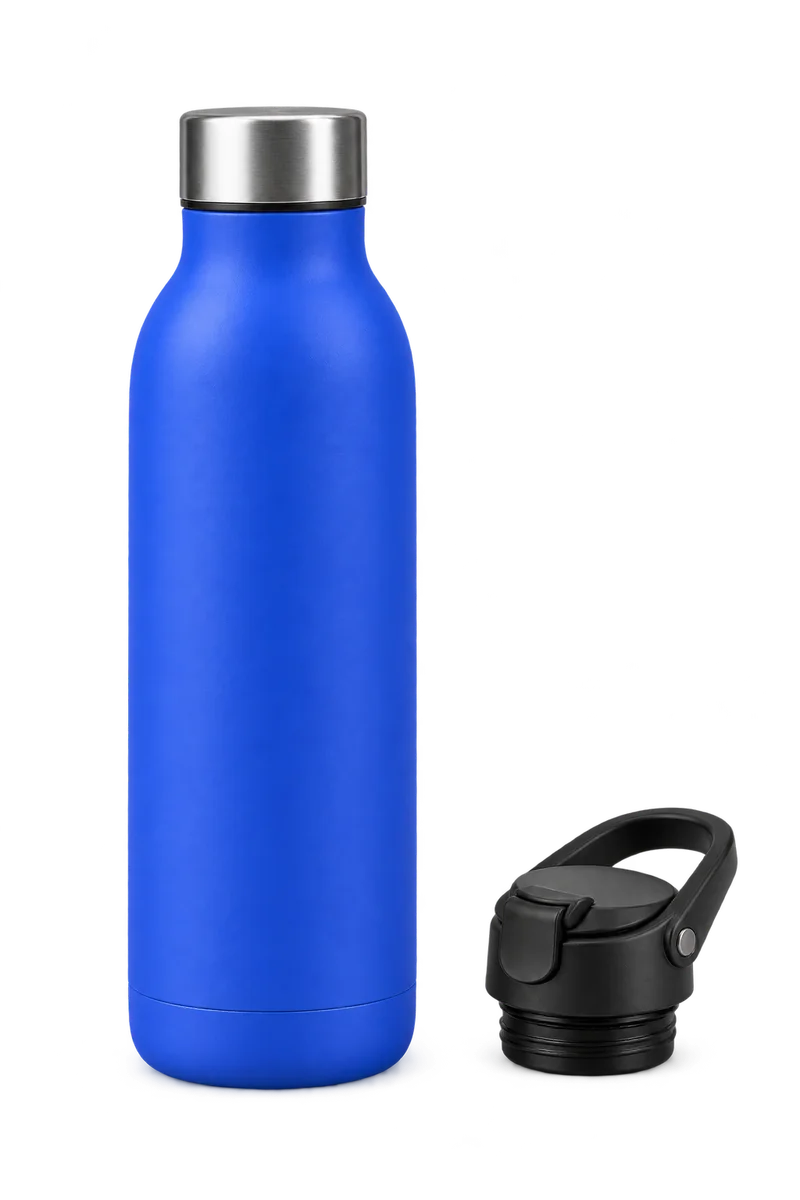
A complete compatible-accessory example in Pairwise
Example·Pairwise
Follow a synthetic Trail Bottle 42 and Flip Cap 42 pairing through source evidence, a held alternative, merchant review, and optional full-price shopper UI.
◇ Synthetic example
◇ Synthetic example
Benchmark Trail Bottle 42 + Benchmark Flip Cap 42
600 ml bottle with a threaded 42 mm opening and a matching accessory. The main item is $30.00; the optional cap is $8.00 at full price.
42 mm threaded interfaceFull-price add-onOptional, unchecked choiceNo discount applied
One pair, with its source details.
Synthetic example
Benchmark Trail Bottle 42
Selected product description
Synthetic test product, not for sale. A 600 ml bottle with a threaded 42 mm opening. Supplied with a plain screw lid. Optional flip-top caps must specify the same 42 mm thread. A second bottle is a substitute, not a complementary accessory.
600 ml · threaded 42 mm opening · $30.00
Benchmark Flip Cap 42
Selected product description
Optional flip-top cap for bottles with the 42 mm thread used by Benchmark Trail Bottle 42.
optional flip-top cap · 42 mm threaded · $8.00
These excerpts come from the two selected product descriptions. Pairwise also follows eligible links when they appear in those descriptions.
Supported in this synthetic example: the Benchmark Flip Cap 42 passage names the same 42 mm thread as the Benchmark Trail Bottle 42.
Held for review: Benchmark Travel Cap. compatible bottle model, thread, opening size are not specified in its description; merchant review cannot supply those facts.
◇ Synthetic example · source text and pairing are illustrative, not a live model result.
Product page
Product page
Benchmark Trail Bottle 42
600 ml · threaded 42 mm opening
$30.00
Optional add-on · unchecked by default
◇ Synthetic example · no real cart or order is changed
Cart page
Cart page
Benchmark Trail Bottle 42$30.00
Fits Benchmark Trail Bottle 42 Benchmark Flip Cap 42$8.00
Optional add-on · full price
◇ Synthetic example · no real cart or order is changed
Synthetic example: this walkthrough combines synthetic product descriptions with a simplified illustration of Pairwise’s workflow. The recommendation output is not live model-quality evidence and does not represent a customer store, sale, or result.
The selected products
The source board above shows the selected product passage and cap passage separately, so each fact stays attached to its source identity. This synthetic example does not depict a link between their descriptions; eligible description links are a separate part of Pairwise’s merchant source workflow.
The illustration uses synthetic identities and full-price values displayed above. No discount is applied.
A supported pairing and an unresolved alternative
The evidence board shows the supported synthetic example and the separate held alternative. A merchant review cannot supply missing facts, so the held alternative is not shown as a compatible offer.
The relevant source-backed recommendation page explains which inputs are in scope. The example does not show broader web research or a verified recommendation-accuracy rate.
Shopper choice
The product-page and cart examples on this page are separately labeled. The optional checkbox starts unchecked; the product-page action is “Add to cart,” while the cart choices are “Add” and “No thanks.” The interactive examples change explanatory text only; they do not change a cart, checkout, Shopify store, or order.
The shopper checks are specific to Horizon and the placements described above. The image is a synthetic product illustration rather than a live store capture. Read product-page add-ons, cart add-ons, and theme support for the support boundary.
Merchant decision
Preparation does not publish offers. The merchant saves the Pairwise theme embed in Shopify, checks the saved status, and separately publishes reviewed offers. See getting started and the go-live instructions.